Finding verified contact details from LinkedIn profiles means using API-based enrichment platforms that cross-reference third-party databases to deliver phone numbers and emails without scraping LinkedIn directly or violating Terms of Service.
Key Takeaways
- API-based enrichment tools use LinkedIn profile URLs as search keys to query independent business databases, delivering verified phone numbers and emails in under 10 seconds without scraping LinkedIn directly.
- Only 5–10% of LinkedIn users share phone numbers with first-degree connections, and less than 1% with second- or third-degree connections, making database enrichment necessary for phone discovery [2].
- Multi-source cross-referencing validates phone numbers by checking at least two independent data providers, achieving accuracy rates of 80% or higher for phone and up to 98% for email [2].
- LinkedIn's Terms of Service explicitly prohibit automated scraping, creating account suspension risks for users of direct scraping tools [4].
- Credit-based pricing models charge between $0.85–1.50 per verified contact for specialized platforms, compared to $2–4 for enterprise solutions [3].
- Email list validation reduces bounce rates and improves campaign deliverability by confirming addresses before sending.
API-based enrichment tools cross-reference third-party databases to deliver verified phone numbers and emails without scraping LinkedIn directly. A LinkedIn email finder extracts professional contact information from profiles through Chrome extensions or web-based platforms, according to ZoomInfo [1]. The core challenge: LinkedIn's privacy-first architecture restricts phone visibility—only 5–10% of users share phone numbers with first-degree connections, and less than 1% with second- or third-degree connections [2]. LinkedIn's 2FA security numbers never appear on profiles even when users want to share them. Direct scraping violates LinkedIn Terms of Service and exposes users to permanent account suspension, according to La Growth Machine [4]. Compliant enrichment platforms use the LinkedIn URL as a search key to query legitimate business databases rather than harvesting profile data directly.
Why LinkedIn Contact Details Are Hard to Extract (And Why Phone Numbers Are Hardest)
LinkedIn restricts phone visibility through two architectural layers: privacy defaults and 2FA security policies. Only 5 to 10% of LinkedIn users share phone numbers with first-degree connections, and less than 1% expose them to second- or third-degree connections [2]. Even when a user wants to share a phone number, LinkedIn's 2FA-registered security numbers never appear on profiles. These restrictions create a structural phone scarcity problem that database enrichment must work around.
LinkedIn's privacy-first architecture limits phone discovery
User privacy defaults explain the visibility gap. LinkedIn prompts new users to keep contact information private by default. Most professionals share their title, company, and location publicly but restrict phone numbers to direct connections only. LinkedIn removed its direct email search feature in 2023, according to PhantomBuster [7]. This architectural decision pushes sales teams toward third-party enrichment tools that cross-reference business databases instead of relying on profile fields alone.
Email accuracy exceeds phone accuracy across all tools
Email verification quality matters more than database size. Some tools achieve up to 98% accuracy for email but struggle to exceed 80% for phone numbers [2]. The accuracy gap exists because business email patterns follow predictable formats, [email protected] or [email protected], while phone numbers change frequently and lack consistent validation methods. Tomba reports <5% bounce rate and 81% email coverage across 450 million verified B2B emails [3]. Phone verification requires multi-source cross-referencing to confirm that a number is current, belongs to the correct person, and connects to their business role rather than a personal mobile line.
Phone verification requires cross-referencing multiple data providers
Multi-source cross-referencing validates phone numbers by checking at least two independent databases. Tools query business directories, telecom records, and corporate registries simultaneously. When two sources confirm the same phone number for a LinkedIn profile, the confidence score increases. A single-source match receives a lower confidence score. This methodology addresses the 2 to 3% monthly contact decay rate that static databases experience without regular refresh cycles, according to Tomba [3]. Real-time verification checks whether a phone line is active, whereas static database lookups only confirm that a number was valid at last scrape, potentially weeks or months ago.
How Compliant Contact Enrichment Works: API-Based vs. Scraping Methods
Compliance depends on whether a tool accesses LinkedIn's internal data or queries independent third-party databases. LinkedIn scraping is the automated process of extracting publicly available data from LinkedIn profiles, company pages, posts, and search results, according to La Growth Machine [4]. Direct scraping violates LinkedIn Terms of Service and creates account suspension risks. API-based enrichment avoids these risks by treating the LinkedIn profile URL as a search key rather than a data source.
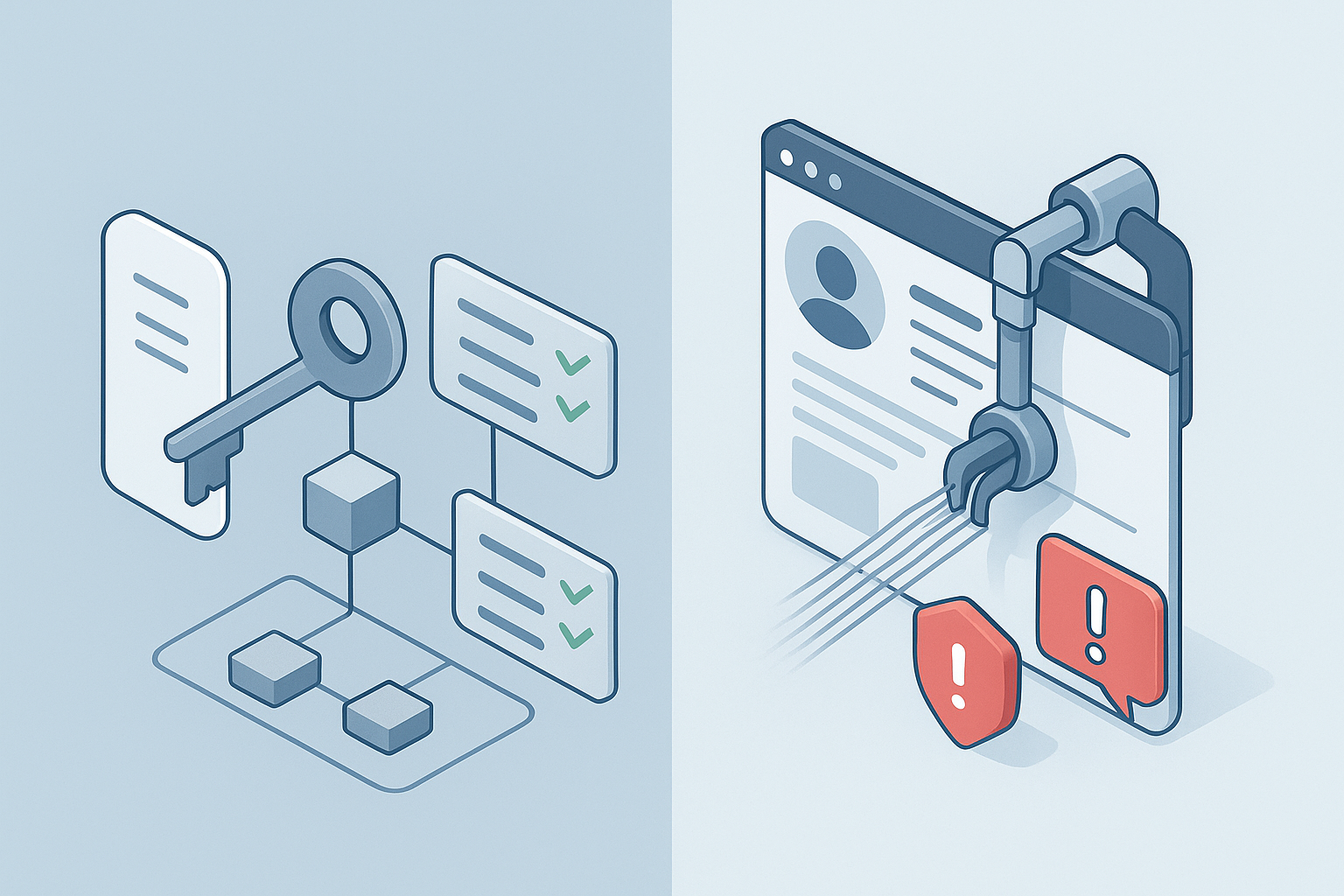
Direct scraping harvests profile data and violates ToS
Browser-based extensions install directly in Chrome or Firefox and interact with LinkedIn as if they were the user, according to La Growth Machine [4]. These tools automate profile visits, parse HTML, and extract visible fields such as job title, company, and location. Platforms that crawl LinkedIn profiles directly, harvest contact data through bots, or circumvent rate limits violate LinkedIn's Terms and expose users to permanent account suspension. LinkedIn monitors for automated activity patterns, rapid profile visits, repeated search queries, and bulk message sends, and flags accounts that exceed normal human behavior thresholds.
API-based enrichment queries third-party databases instead
Compliant enrichment platforms use the LinkedIn URL as a search key to query legitimate business databases. The workflow: a sales rep copies a LinkedIn profile URL and pastes it into the enrichment tool; the tool extracts the person's name, current company, and title from the URL slug; it queries third-party data providers such as business directories, corporate registries, and public records; the tool returns verified email addresses and phone numbers sourced from these independent databases rather than LinkedIn itself. This method never accesses LinkedIn's internal APIs or scrapes profile data. Apollo serves 275 million contacts across 35 million companies through this database-query model [8]. Hunter operates as an all-in-one email outreach platform using domain search and email verification rather than LinkedIn scraping [6].
Why compliance matters: account suspension and legal risk
LinkedIn actively monitors for automated scraping and enforces ToS violations with account suspensions. Sales teams that rely on scraping tools risk losing access to their LinkedIn network, first-degree connections, saved leads, and messaging history, with no warning. Legal risks extend beyond account suspension: unauthorized data harvesting can violate GDPR in Europe and CCPA in California. Compliant tools avoid these risks entirely by never touching LinkedIn's systems. They source contact data from public business registries, corporate filings, and opt-in databases where individuals and companies have consented to share information.
Step-by-Step: Finding Verified Contact Details Without Manual Research
Sales teams follow a four-step workflow to enrich LinkedIn profiles at scale: install a Chrome extension or connect a web app, navigate to a LinkedIn profile or Sales Navigator list, trigger enrichment with one click, and export verified contacts to CRM. This workflow eliminates manual copy-paste and delivers contact details in under 10 seconds per profile.
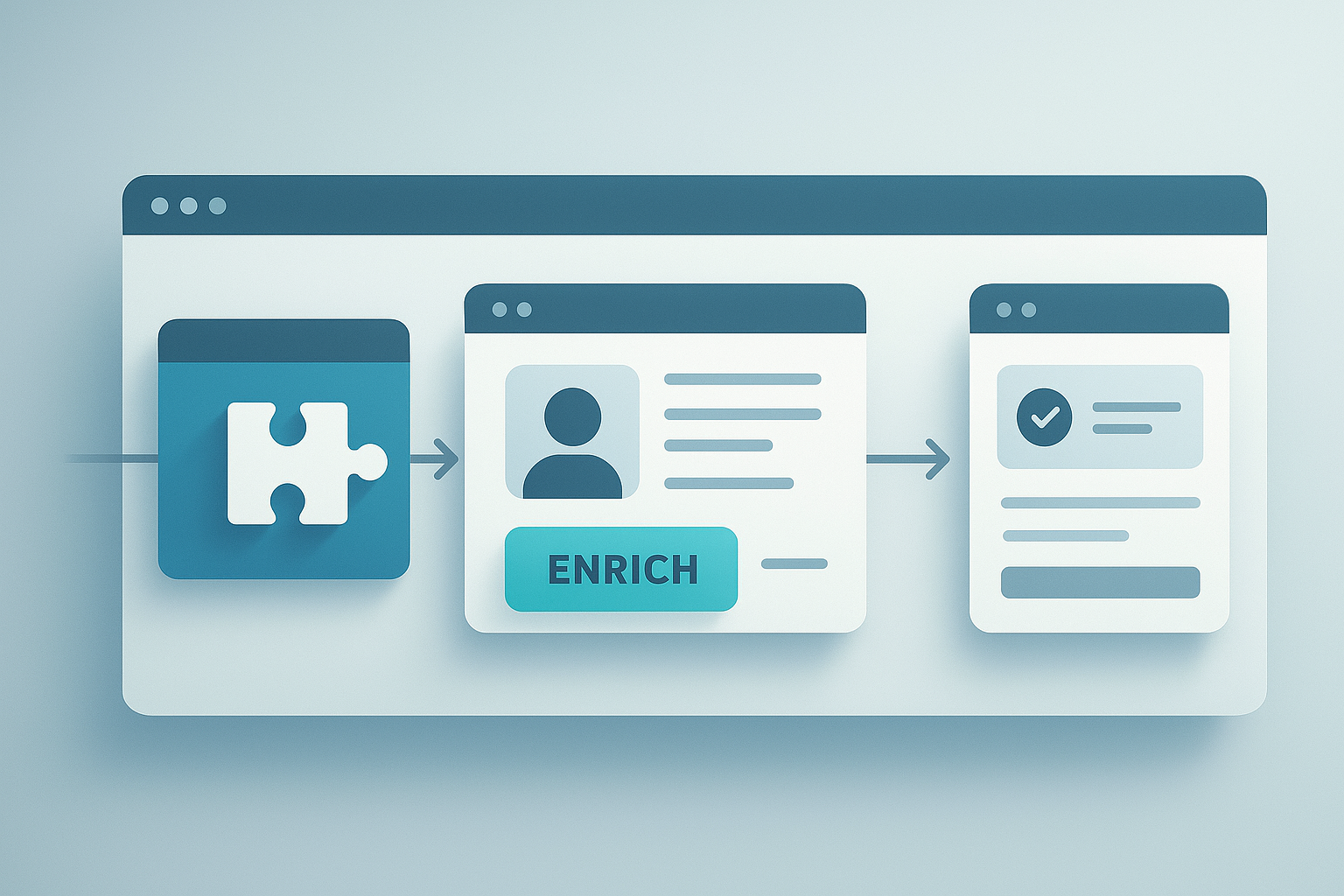
Step 1: Install a Chrome extension or connect a web app
Browser extensions integrate directly into LinkedIn's interface. Lusha Chrome Extension reveals verified contact data wherever you work, accessing accurate contact and company details on LinkedIn, your CRM, or supported company sites [9]. The extension installs in seconds from the Chrome Web Store and requires OAuth login to connect to the enrichment platform's backend. Web apps operate outside the browser and accept LinkedIn URLs via paste or CSV upload. Teams that prefer not to install extensions can use web apps for bulk enrichment.
Step 2: Navigate to a LinkedIn profile or Sales Navigator list
Sales reps open a LinkedIn profile of a target prospect. The Chrome extension displays an overlay or sidebar panel showing available contact data. For bulk workflows, teams export a Sales Navigator search result as a CSV, then upload the file to the enrichment platform. Scrupp works on LinkedIn and Sales Navigator for real-time enrichment [11]. Apollo allows users to find email addresses by searching 210 million contacts and 35 million companies [8].
Step 3: Trigger enrichment with one click
The extension sends the LinkedIn profile URL to the enrichment API, which queries third-party databases and returns verified contact details in under 10 seconds. The tool displays email addresses, phone numbers, company details, and confidence scores for each field. Skrapp processes up to 25 profiles per second with 99% verification accuracy [3]. Teams review confidence scores before exporting, high-confidence matches receive immediate approval, while medium-confidence results may require manual verification.
Step 4: Export verified contacts to CRM
Enrichment tools integrate with 20+ CRMs including Salesforce, HubSpot, and Pipedrive. Sales reps click 'Export to CRM' and the verified contact details flow directly into lead records, eliminating manual data entry. CSV export supports teams using less common CRMs or spreadsheet workflows. Wiza API provides global coverage and powers phone enrichment for multiple downstream tools [5]. LinkFinder AI reports 99.9% API uptime and <200ms response time for lead enrichment [10].
How to Validate Phone Numbers: Multi-Source Cross-Referencing Explained
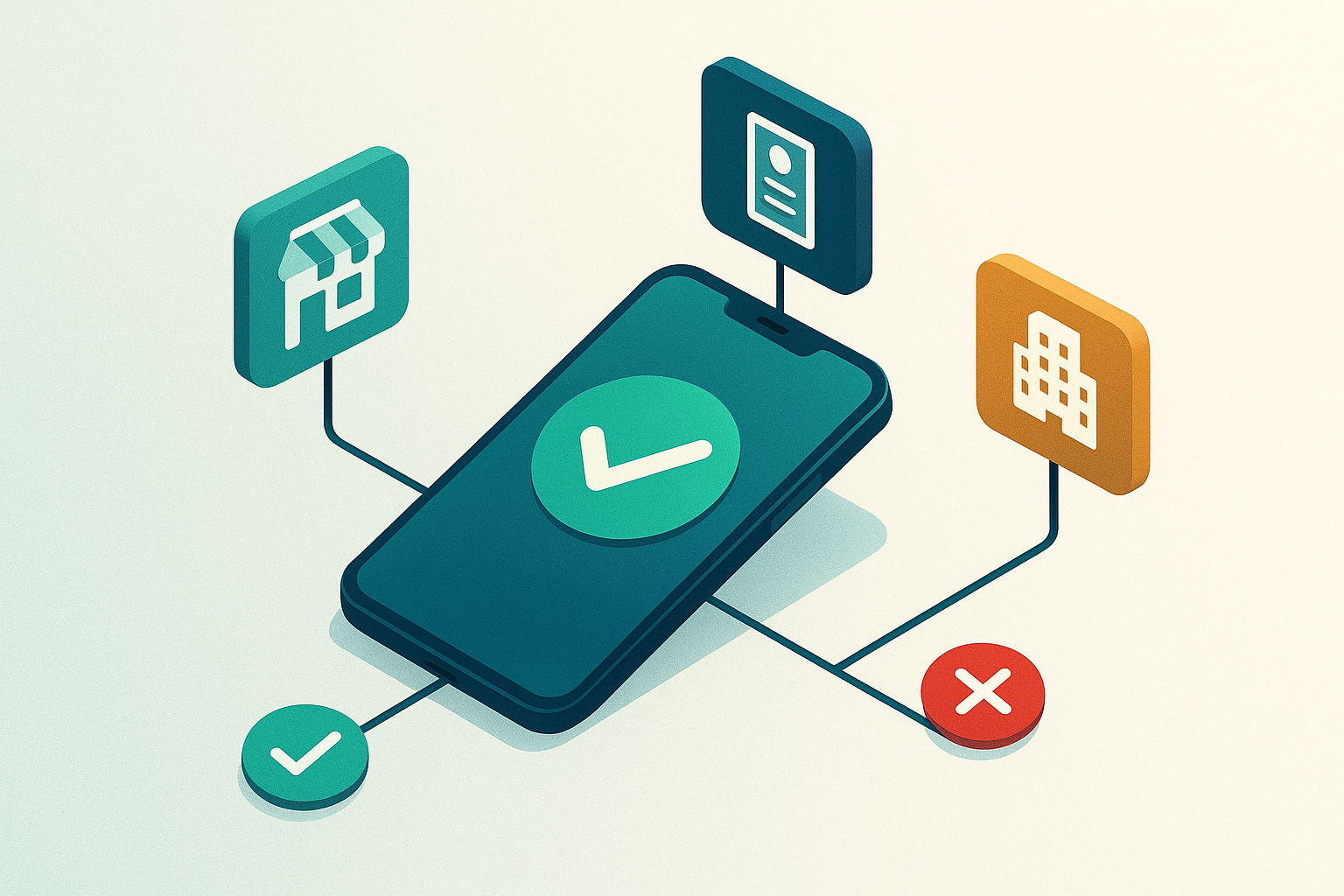
Phone verification requires checking multiple independent data sources to confirm that a number is current, belongs to the correct person, and connects to their business role. Single-source lookups return stale numbers or personal mobile lines that prospects never answer. Multi-source cross-referencing solves this by querying at least two databases and flagging mismatches.
What multi-source cross-referencing means technically
Enrichment platforms query business directories, telecom records, and corporate registries simultaneously. When two independent sources confirm the same phone number for a LinkedIn profile, the platform assigns a high confidence score. A single-source match receives a medium confidence score and may require manual verification. Mismatches, where different sources return different numbers, trigger a low confidence flag, prompting the tool to query additional databases or mark the result as unverified. This methodology addresses the 2 to 3% monthly contact decay rate that static databases experience without regular refresh cycles [3]. Real-time verification checks whether a phone line is active, routing the number through a telecom validation service that confirms the line is connected and accepts calls.
Why phone accuracy lags behind email accuracy
Business email patterns follow predictable formats, making verification straightforward. Tools check SMTP records, confirm the domain accepts mail, and validate the inbox is active. Phone verification lacks these standardized checks. Professionals change mobile numbers when switching carriers or roles. Companies reassign direct dials when employees leave. Personal mobile lines appear in databases alongside business numbers, creating confusion about which number to call. Multi-source cross-referencing reduces these errors by prioritizing numbers that appear in corporate directories over personal contact lists.
Real-time verification vs. Static database lookups
Static databases store phone numbers scraped weeks or months ago. Real-time verification queries live telecom systems to confirm a number is currently active. The difference matters for cold calling: a static lookup returns 'valid' if the number existed at last scrape, even if it was disconnected yesterday. Real-time verification routes a test ping to the number and confirms the line accepts calls before returning a result. Tools that refresh data every 90 days prevent 2 to 3% monthly contact decay [3]. Teams pay a premium for real-time verification but gain significantly higher connect rates on outbound calls.
| Tool | Email Accuracy | Phone Enrichment Approach | Pricing Model | Free Credits |
|---|---|---|---|---|
| Wiza | Under 1% bounce | 8 credits per phone number | $49/user/month | 75 credits/mo |
| Scrupp | 97% | Phone enrichment in the same credit | $29/mo or $0/mo PAYG | Free test credits |
| Skrapp | 99% verification accuracy | Up to 25 profiles per second | $39/month | 100 email credits per month |
| Apollo | 85–95% accuracy | 210M+ contact database | $49 per user per month | Not explicitly stated |
Data sourced from manufacturer websites and independent reviews as of May 2026. Accuracy rates reflect vendor-reported benchmarks. Phone enrichment approach describes the technical methodology each tool uses to validate phone numbers.
Common Pitfalls: Why Most Tools Struggle with Phone Accuracy
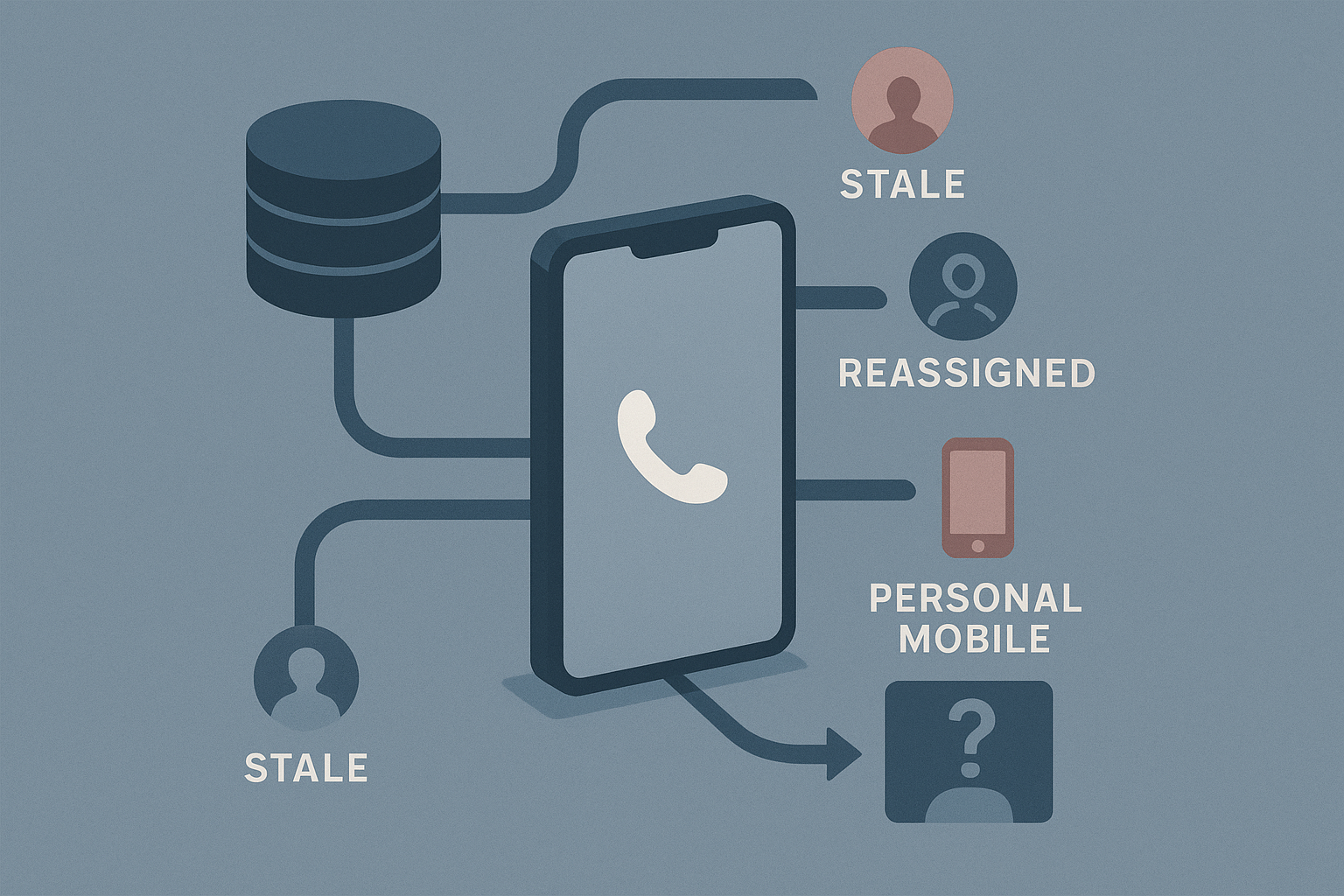
Phone accuracy rates vary dramatically across enrichment tools because most platforms rely on single-source databases or fail to refresh data frequently. Static lookups return numbers that were valid months ago but have since been reassigned or disconnected. Personal mobile numbers appear in results alongside business direct dials, confusing sales reps about which number to call.
Single-source databases produce stale phone numbers
Tools that query only one data provider cannot detect when a number has changed. A sales rep receives a phone number marked 'verified' but discovers it connects to a wrong person or disconnected line. Without cross-referencing, the tool has no way to flag mismatches between sources. Multi-source cross-referencing solves this by querying at least two databases and prioritizing numbers confirmed by both. The cost tradeoff: multi-source verification consumes more credits per contact but delivers higher connect rates.
Personal mobile numbers dilute business contact quality
Databases scrape phone numbers from public records, social media profiles, and business directories without distinguishing personal from professional contact methods. A prospect's personal mobile number, used for family calls and text messages, appears in enrichment results alongside their office direct dial. Cold calling a personal mobile during work hours annoys prospects and reduces answer rates. Tools that prioritize corporate directory listings over consumer contact databases deliver cleaner business phone numbers. Sales teams should filter results by phone type, direct dial, main office line, or mobile, and prioritize direct dials for cold outreach.
Refresh cycles lag behind real-world contact changes
Phone numbers decay at 2 to 3% per month as professionals switch roles, companies reassign extensions, and mobile carriers recycle disconnected lines [3]. Static databases refresh quarterly or annually, meaning a number verified in January may be disconnected by June. Real-time verification solves this by pinging telecom systems during enrichment to confirm the line is active. The cost difference: real-time verification consumes more API credits but eliminates wasted calls to dead numbers. Teams optimizing for connect rate should prioritize tools with 90-day or shorter refresh cycles.
Conclusion
Finding verified contact details from LinkedIn profiles without manual research requires choosing between compliant API-based enrichment and risky direct scraping. Teams prioritizing phone accuracy should select tools with multi-source cross-referencing and 90-day refresh cycles to avoid stale numbers and personal mobile lines. The compliance tradeoff matters: scraping tools deliver contact data by violating LinkedIn Terms of Service and exposing users to account suspension, while API-based platforms query independent business databases without touching LinkedIn's systems. As LinkedIn tightens enforcement and enrichment platforms expand coverage to emerging markets, the category is shifting toward real-time verification and APAC-specific data sources. Sales teams operating globally should prioritize platforms with regional corporate registry integrations, GST and MCA verification for India, Companies House data for the UK, to reduce wrong-number rates. Today, test an enrichment tool's free tier on 10 LinkedIn profiles from your target market. Compare phone accuracy, confidence scores, and CRM integration quality before committing to a paid plan. For teams managing 20+ CRM integrations at scale, explore PeakAi's real-time LinkedIn enrichment.
Frequently Asked Questions
How can I find verified contact details directly from LinkedIn profiles without manual research?
Install a Chrome extension that queries third-party business databases using the LinkedIn profile URL as a search key. The tool returns verified emails and phone numbers in under 10 seconds without scraping LinkedIn directly. Export results to your CRM with one click.
Is there a LinkedIn contact discovery tool with 90%+ accuracy that works well for Indian B2B prospects?
PeakAi delivers verified phone numbers and emails in 10 seconds without leaving LinkedIn. For India-focused teams, platforms with GST and MCA-informed verification deliver higher accuracy because they cross-reference corporate registries specific to Indian businesses. APAC domain coverage matters for regional prospecting.
Why are my LinkedIn contact discovery tools giving me so many bounced emails and wrong numbers?
Single-source databases produce stale contacts because they refresh quarterly or annually. Phone numbers decay at 2 to 3% per month as professionals switch roles and companies reassign extensions [3]. Choose tools with 90-day refresh cycles and multi-source cross-referencing to reduce bounces and wrong-number rates. Email list validation before sending campaigns also helps improve deliverability.
What is the difference between API-based enrichment and LinkedIn scraping?
API-based enrichment uses the LinkedIn URL as a search key to query independent business databases without accessing LinkedIn's systems. Scraping extracts data directly from LinkedIn profiles by automating browser actions, which violates Terms of Service and risks account suspension [4]. API-based tools remain compliant by sourcing contact data from third-party providers.
How much does verified contact enrichment cost per lead?
Credit-based pricing ranges from $0.85 to 1.50 per verified contact for specialized platforms to $2 to 4 for enterprise solutions [3]. Phone enrichment consumes more credits than email alone, Wiza charges 8 credits per phone number [5]. Free tiers offer 75 to 100 credits per month for testing. Pay-as-you-go models eliminate monthly minimums.
Can I enrich LinkedIn profiles in bulk without visiting each one manually?
Export a Sales Navigator search as CSV, then upload the file to an enrichment platform that accepts bulk URLs. The tool processes hundreds of profiles simultaneously and returns verified contact details in minutes. Skrapp enriches up to 25 profiles per second [3]. API integrations enable automated enrichment workflows that sync results directly to CRM.
Why do some tools show high email accuracy but low phone accuracy?
Business email patterns follow predictable formats that SMTP validation confirms instantly. Phone verification requires multi-source cross-referencing because numbers change frequently and lack standardized validation methods. Only 5 to 10% of LinkedIn users share phone numbers with first-degree connections, forcing tools to rely on external databases that may contain stale or personal mobile numbers [2].
Sources
- 10 Best LinkedIn Email Finder Tools for Sales Teams in 2026 - pipeline.zoominfo.com (2026)
- 9 Best LinkedIn Email Finder Tools to Get Verified Emails in 2026 - www.cleverly.co (2026)
- LinkedIn Email Finder - Get Emails from Any Profile Free - Tomba - tomba.io
- LinkedIn Scraping: Guide to Data Extraction for B2B Prospecting - lagrowthmachine.com
- 10 Best LinkedIn Email Finders and Scrapers - OutreachBloom - outreachbloom.com
- Find email addresses and send cold emails • Hunter - hunter.io
- How to Convert Email Lists into LinkedIn Connections Effectively - phantombuster.com
- How to Find an Email Address (for free) with Apollo - www.apollo.io
- Lusha Chrome Extension: Accurate prospecting made easy - www.lusha.com
- Complete Lead Enrichment API - LinkFinder AI - linkfinderai.com
- 13 Best LinkedIn Email Finder Tools in 2026 (Tested & Compared) - snov.io